Block distractions.
Stay accountable.
Blockerflow is an Android app that blocks adult content and distracting social video feeds, backed by a real accountability system, not just a toggle you can switch off the moment you're tempted.
Adult content blocking
A 1.1M+ domain and keyword blocklist, checked entirely on your device. Nothing you browse is ever uploaded.
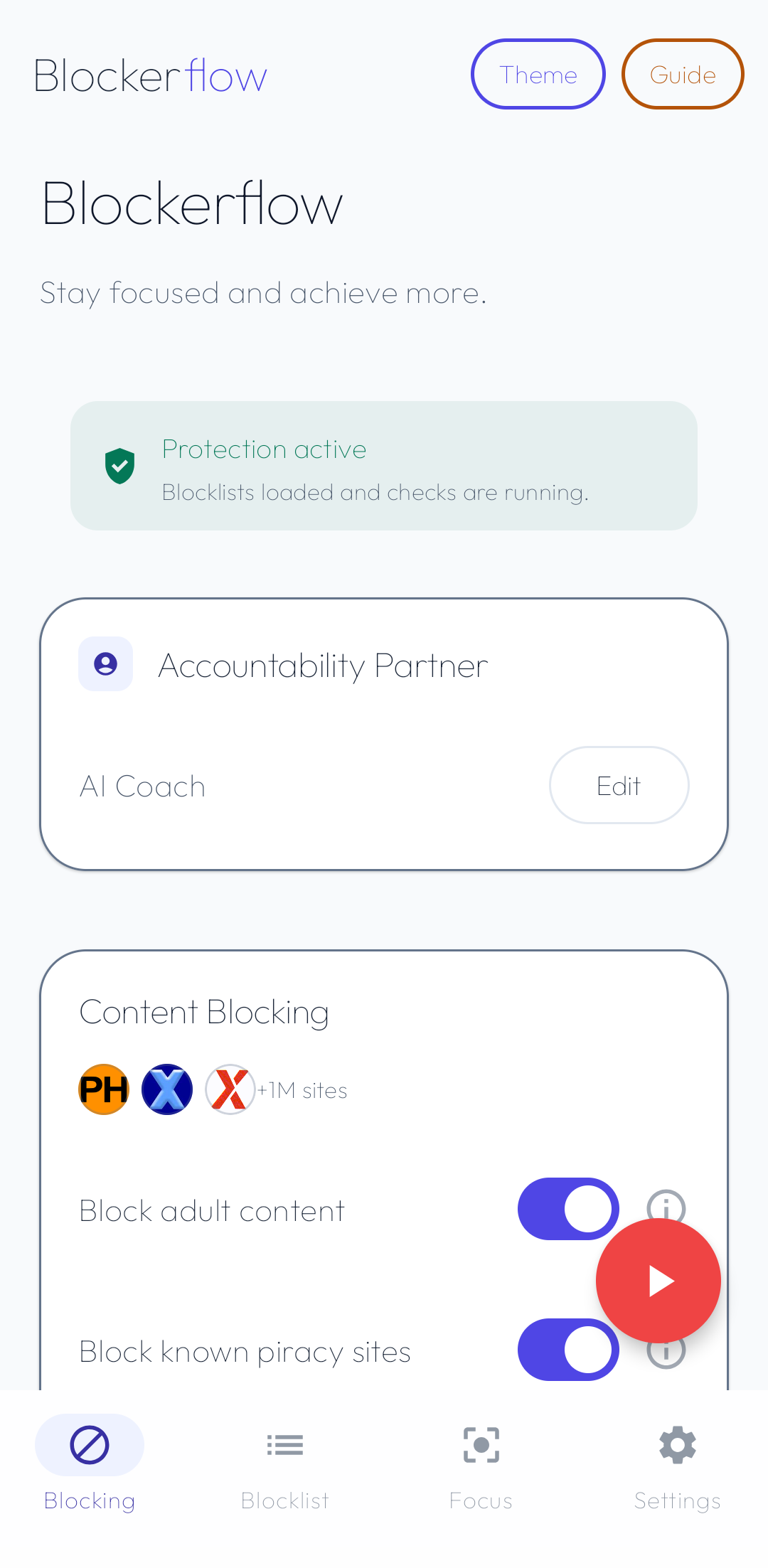
Social video blocking
Separate switches for Instagram and Facebook Reels, YouTube Shorts, Snapchat Spotlight, WhatsApp channels and X videos. Messages keep working.
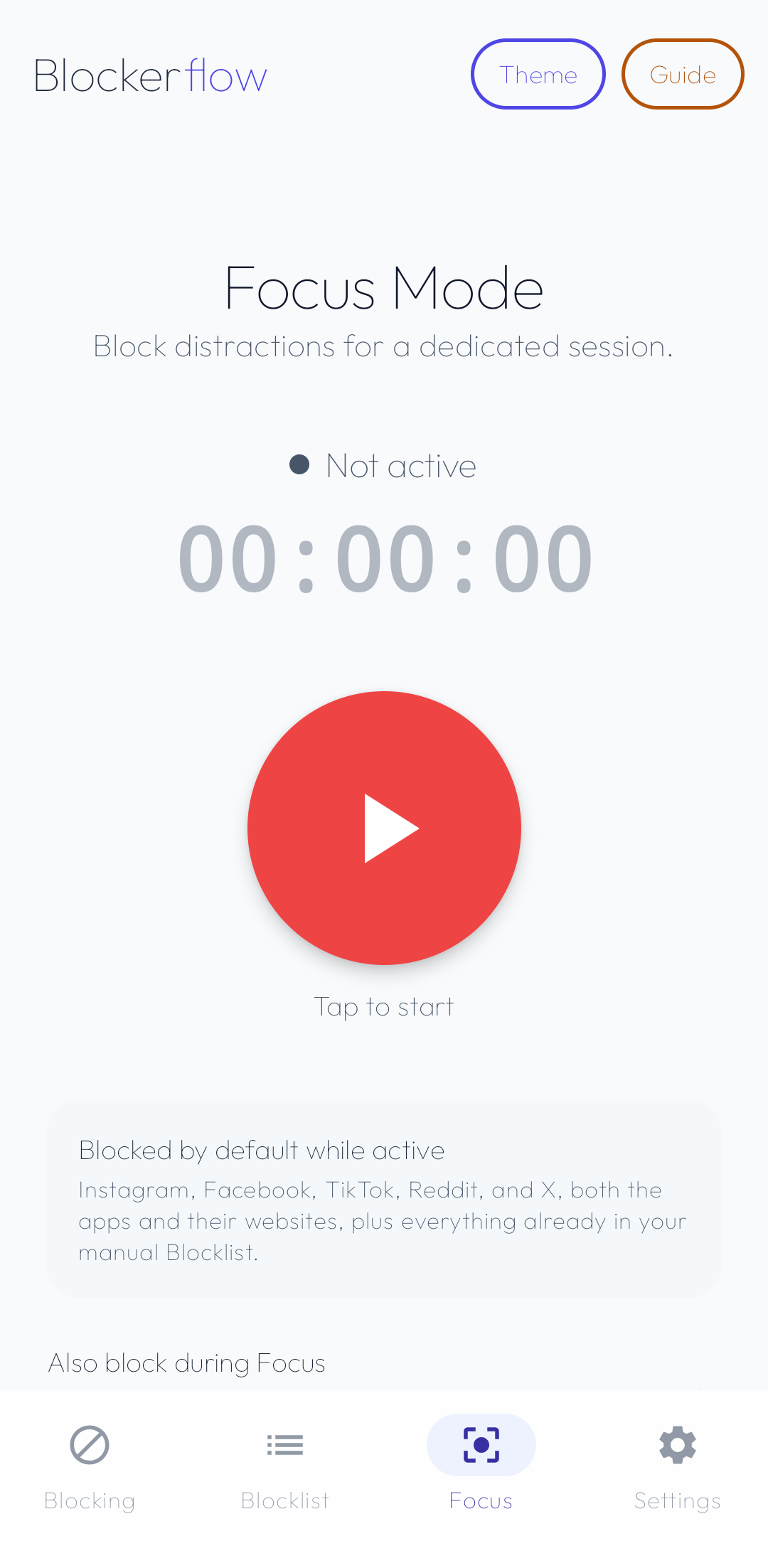
Focus Mode
Named, optionally time-boxed sessions that block your chosen distractions until the session ends.
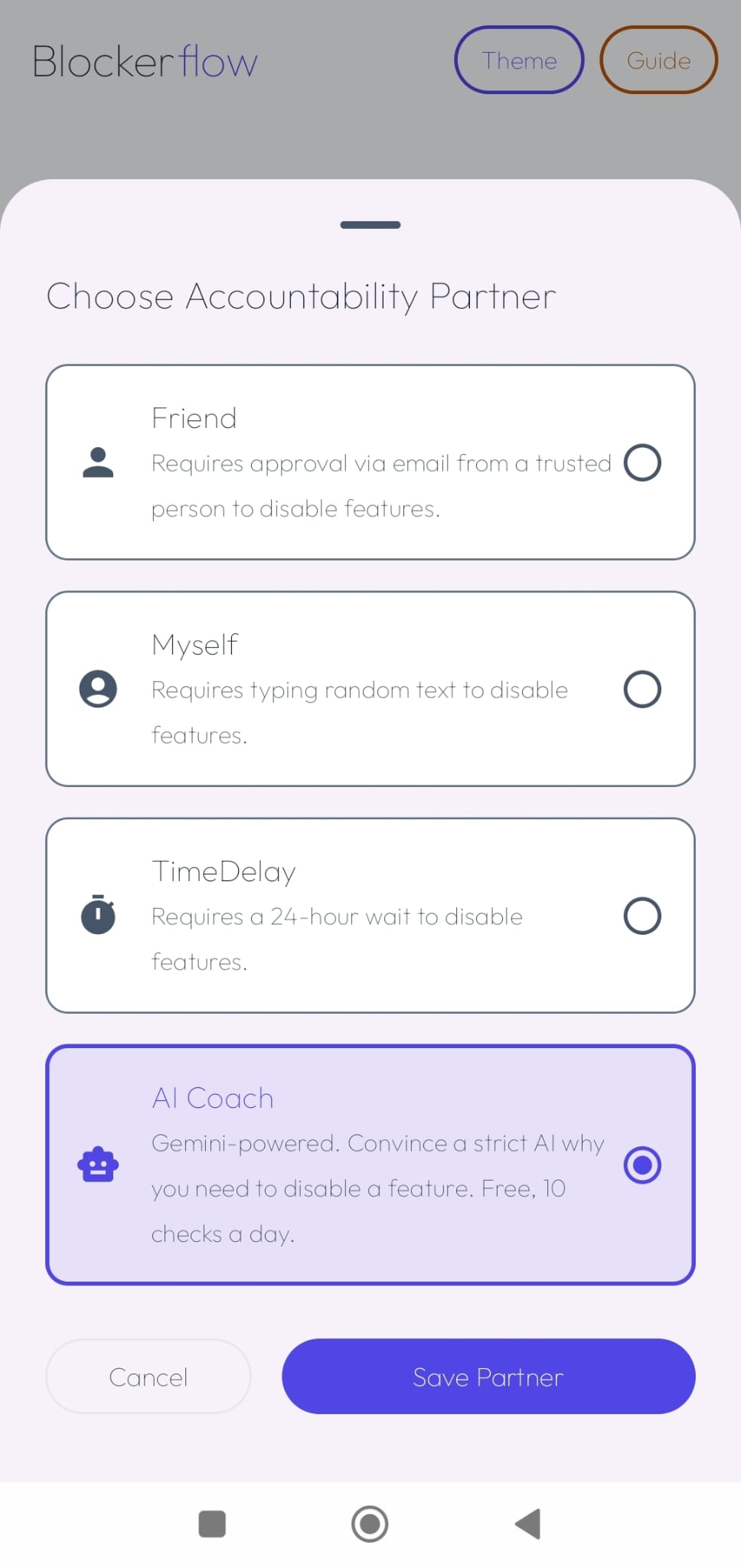
Accountability Partner
A trusted contact unlocks blocked features for you, via a one-time PIN sent to their email.
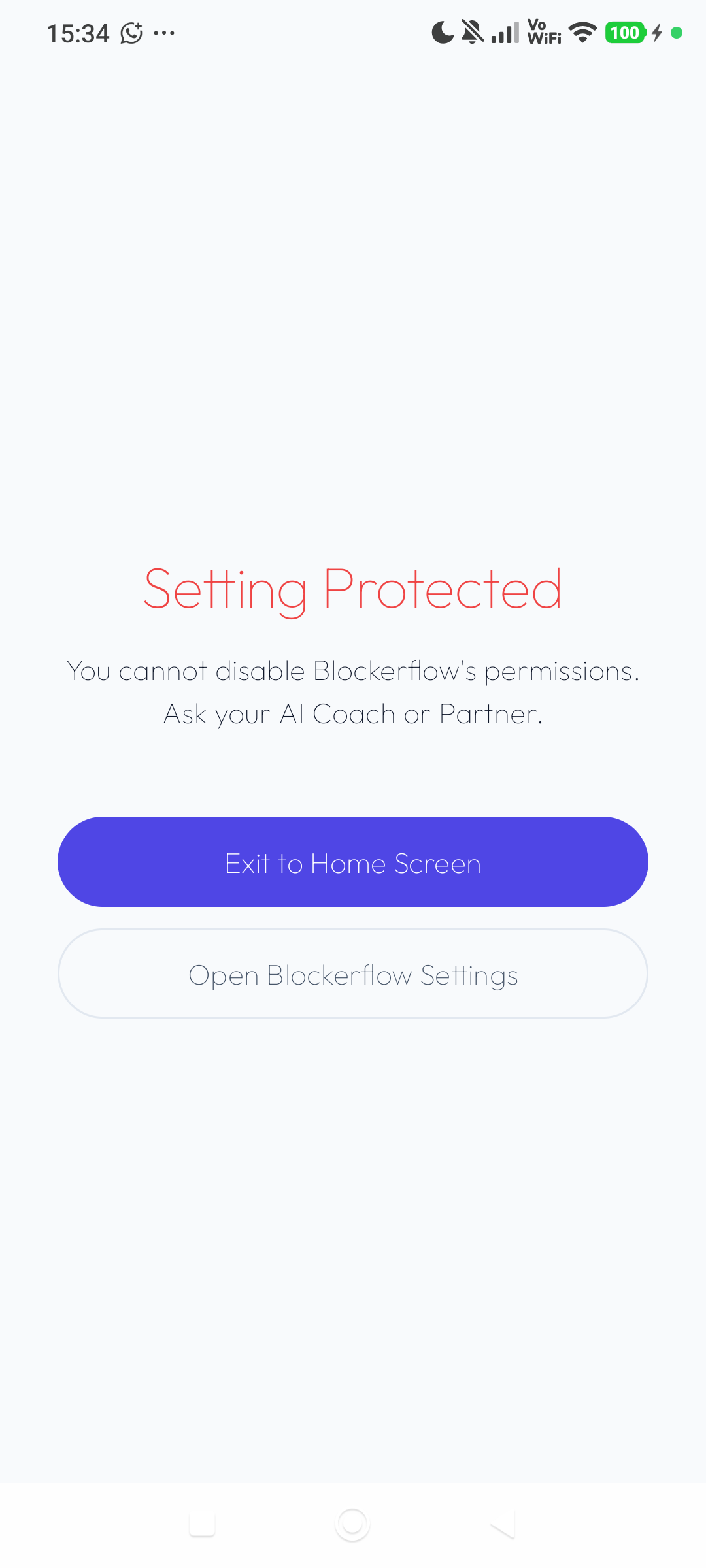
Uninstall Protection
Stops the app being removed as a shortcut around its own blocks.
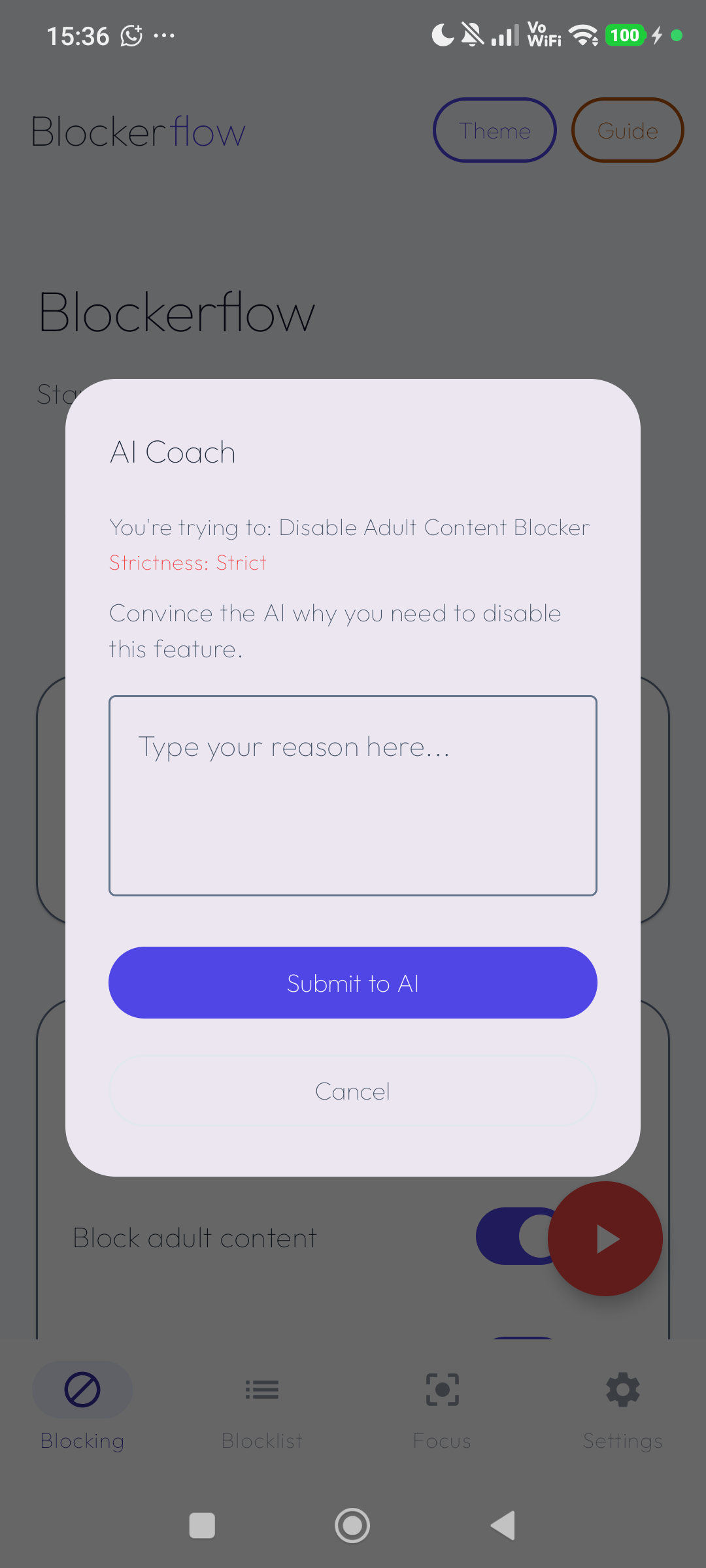
AI Coach
An honest second opinion when you're tempted to disable a blocker, before you talk yourself out of it.
New to Blockerflow? Walk through the setup.
A step-by-step guide to permissions, your blocklist, Focus Mode, and setting up an accountability partner.
Open the guide →Guides
How to block porn on Android
Block porn on Android in apps and browsers, including mirror domains and image search, against a 1.1M site blocklist checked entirely on your phone.
How to block Instagram Reels on Android
Block Instagram Reels and Facebook Reels on Android without deleting the apps. Covers Instagram Lite and the browser, and keeps your messages working.
How to block YouTube Shorts on Android
Remove the YouTube Shorts rabbit hole on Android. Block Shorts in the app and at youtube.com/shorts while normal videos and subscriptions keep working.
How to block Snapchat Spotlight on Android
Block the Snapchat Spotlight feed and in-app search on Android while chats, the camera and Stories keep working. Step by step with Blockerflow.
Block social media on Android with Focus Mode
Block Instagram, Facebook, TikTok, Reddit, X and more for a set time with Blockerflow Focus Mode, including Lite apps, and make stopping early need approval.
Use an accountability partner with your porn blocker
Add an accountability partner to your Android blocker. Choose a friend approving by email, a 24 hour delay, a typing challenge or a strict AI coach.
How to stop yourself uninstalling your porn blocker
Keep a porn blocker from being deleted in a weak moment. Blockerflow Uninstall Protection puts a partner check or typing challenge before removal.
Is your porn blocker watching you? How on device blocking works
Does a porn blocker see your browsing? How Blockerflow checks addresses on your Android phone against 1.1M sites, and exactly what does leave the device.
How to get through a late night porn urge on Android
Late night is when blockers get switched off. How a typing challenge and a 24 hour delay give an urge time to pass, set up with Blockerflow on Android.
How to block image and video search on Android
Close the image and video tabs on Google, Bing, DuckDuckGo, Yahoo and Yandex on Android, a stronger and harder to undo alternative to SafeSearch.
How to block any app or website on Android
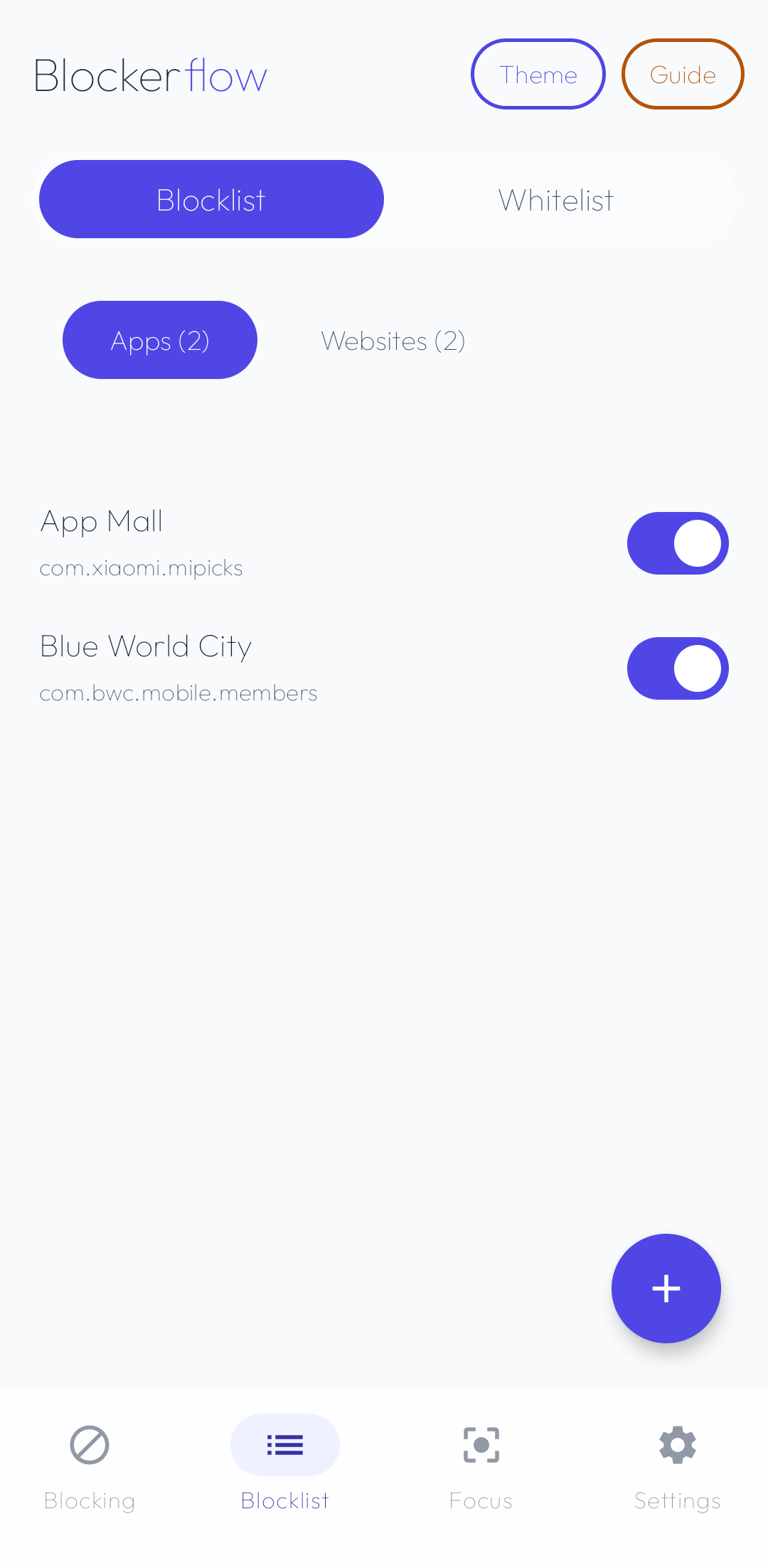
Build your own blocklist on Android: block any installed app or domain, auto block newly installed apps, and make unblocking need a partner check.
Privacy-first, by design
No analytics SDK, no crash reporter, no telemetry upload path. Your browsing history never leaves your device.
Read the full Privacy Policy →