How to use Blockerflow
Six steps from install to a blocker you can't talk yourself out of.
Finish the setup screen
On first launch Blockerflow lists the permissions it needs as tasks, each with its own button, and will not let you finish until the required one is done.
- Enable Accessibility Service, the one marked Required. It is how Blockerflow sees what is on screen, including your browser address bar. Checks run on your device.
- Remove Battery Restrictions, so Android does not kill the blocker in the background.
- Enable Autostart, which appears on Xiaomi, Redmi and POCO phones, so the blocker comes back after a restart.
Choose what to block
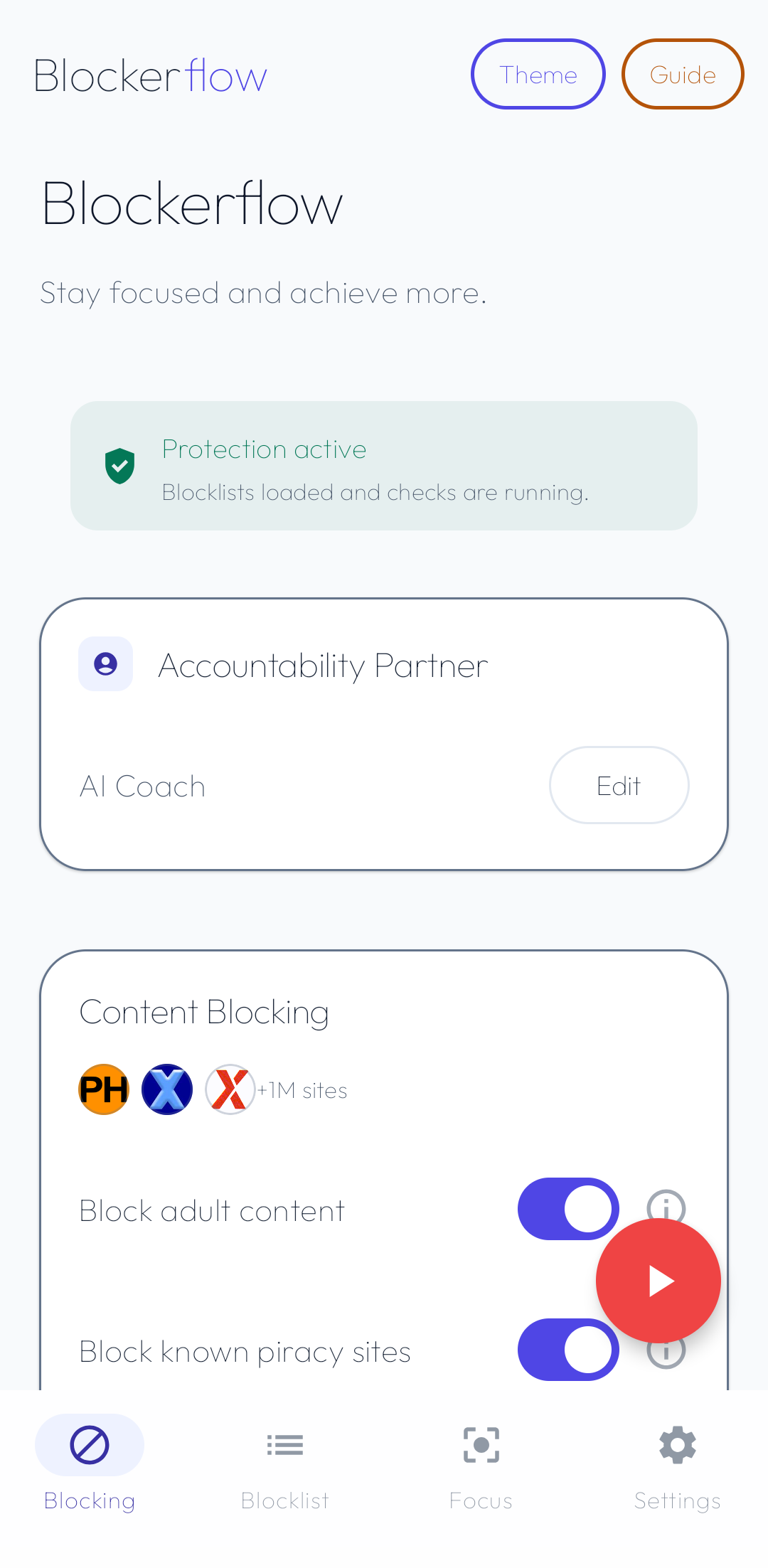
Everything is on the Blocking tab, the screen the app opens on. The card at the top should read Protection active before you go further.
- Content Blocking: adult content, known piracy sites, and image and video search.
- Social Blocking: Instagram and Facebook Reels, YouTube Shorts, Instagram search, Snapchat videos and search, WhatsApp channels, and X videos.
- Advanced Blocking: unsupported browsers, newly installed apps, and Focus Mode protection.
Add your own apps and sites
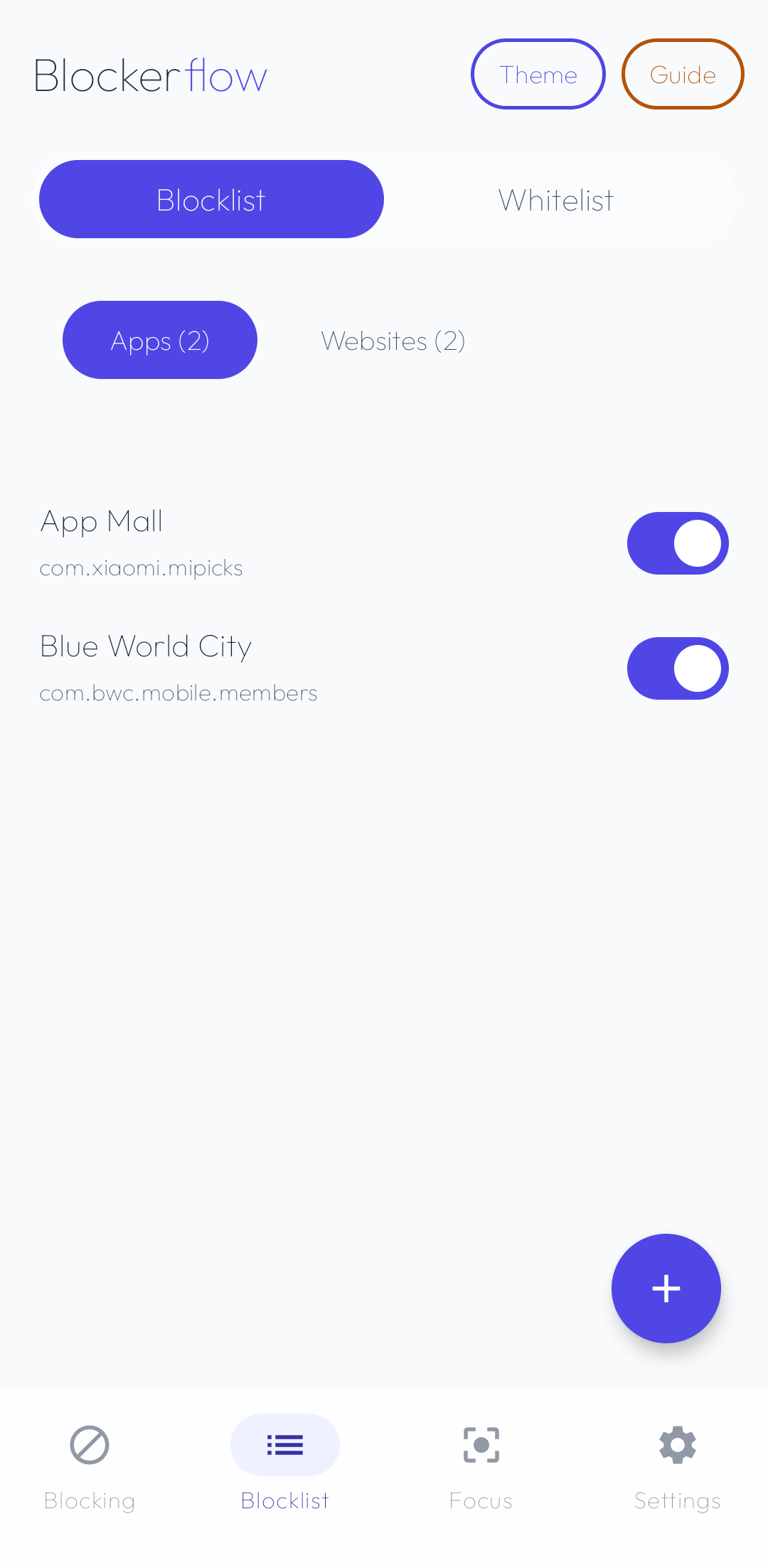
The Blocklist tab is the separate list you build yourself. Use the plus button to block an installed app, or switch to Websites and type an exact domain such as reddit.com.
- A blocked domain covers its subdomains, so the mobile version is included.
- The Whitelist is for a site caught by mistake. It skips every other check, so adding one needs your accountability partner.
Set an Accountability Partner
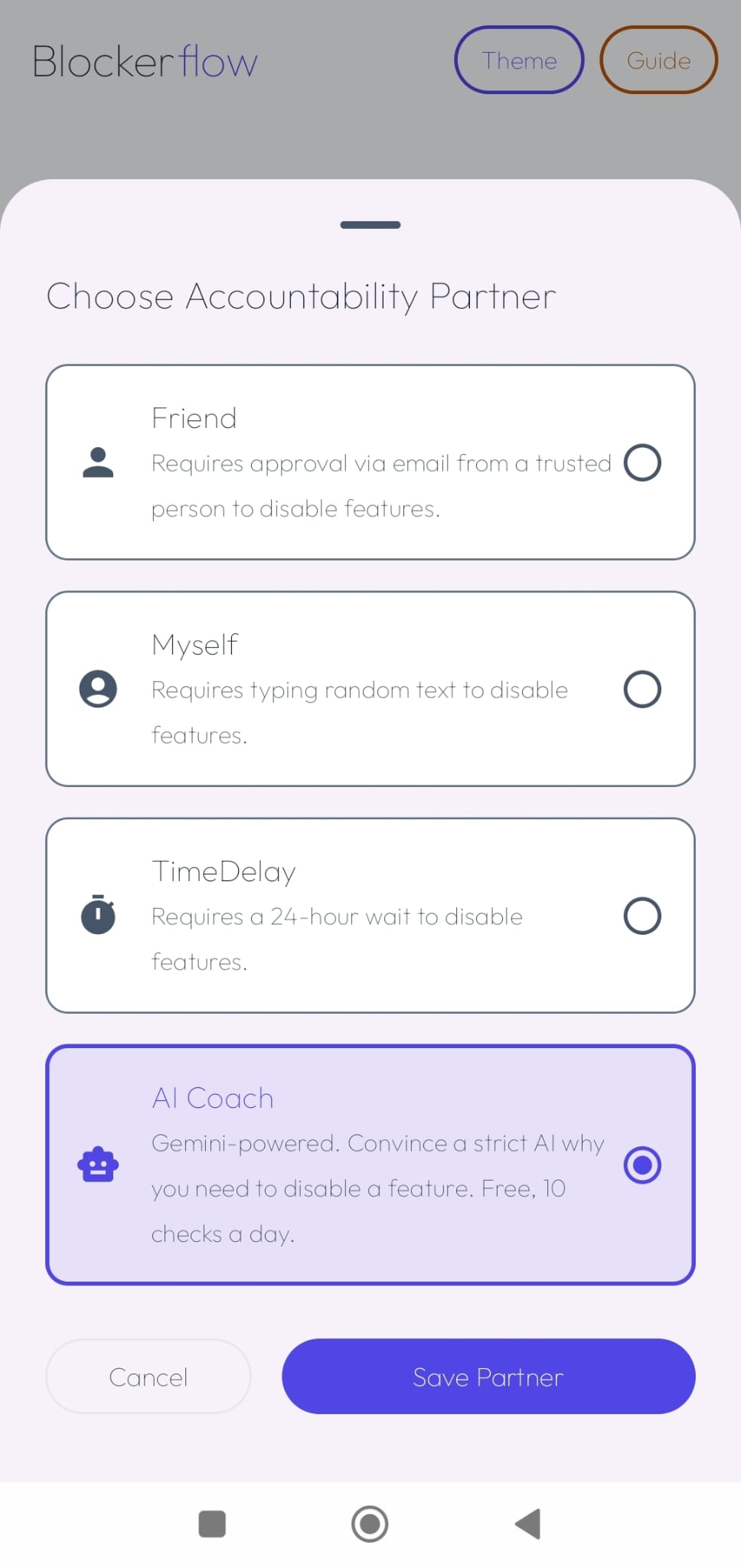
Tap Edit on the Accountability Partner card on the Blocking tab, then pick who holds the off switch. Every change that weakens protection goes through it.
- Friend: a trusted person gets approve and deny links and a six digit PIN by email. Needs you to be signed in.
- Myself: retype a sentence exactly before anything turns off.
- Time Delay: every change waits 24 hours.
- AI Coach: convince a strict coach first. Free, ten checks a day, needs you to be signed in.
Turn on Uninstall Protection
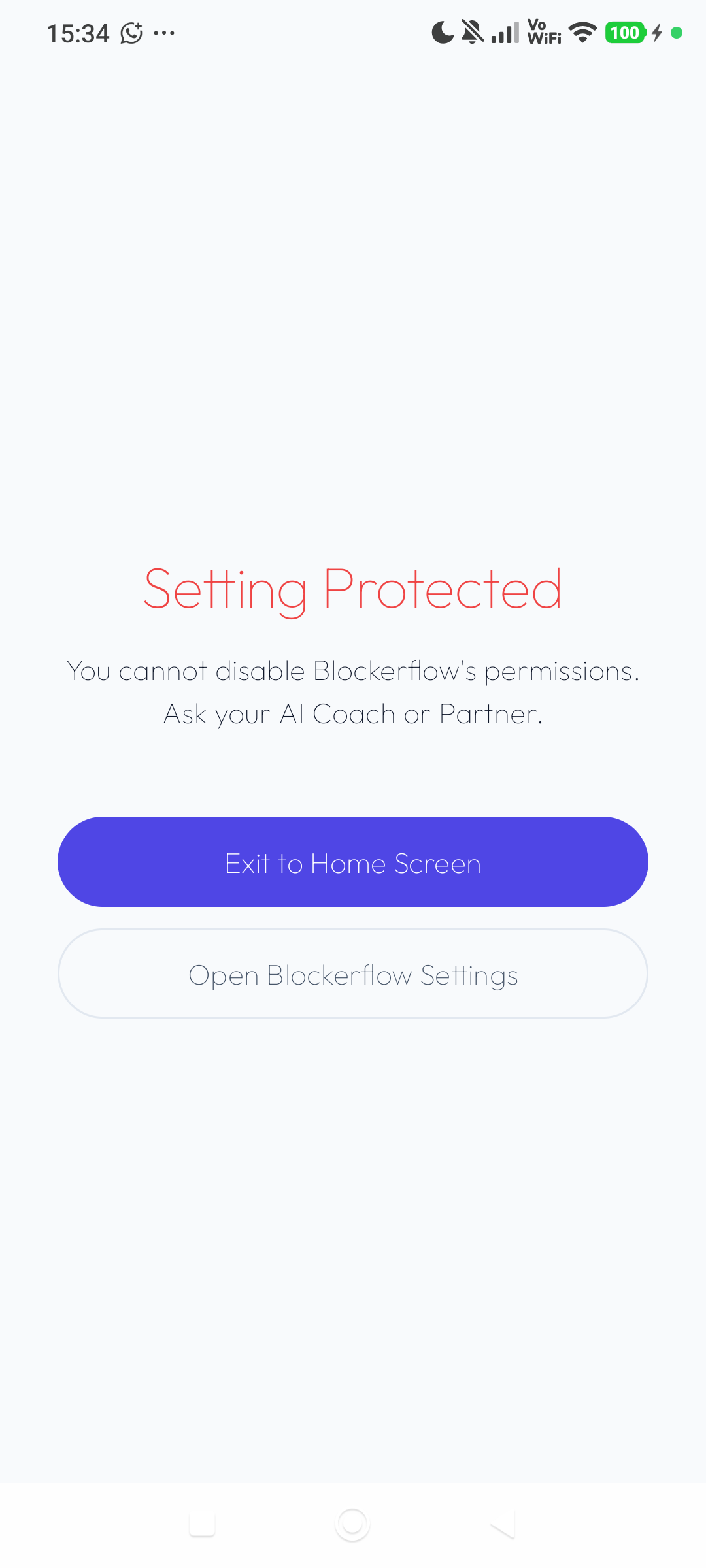
Switch it on from the Blocking tab or from Settings, then approve the Device Admin request. Android will then refuse to uninstall the app, and turning that off needs your partner.
- The switch only shows as on once Android confirms it, so it can never claim protection you do not have.
- When you genuinely want the app gone, Uninstall App under Danger Zone runs the check and removes Device Admin for you.
Start a Focus session
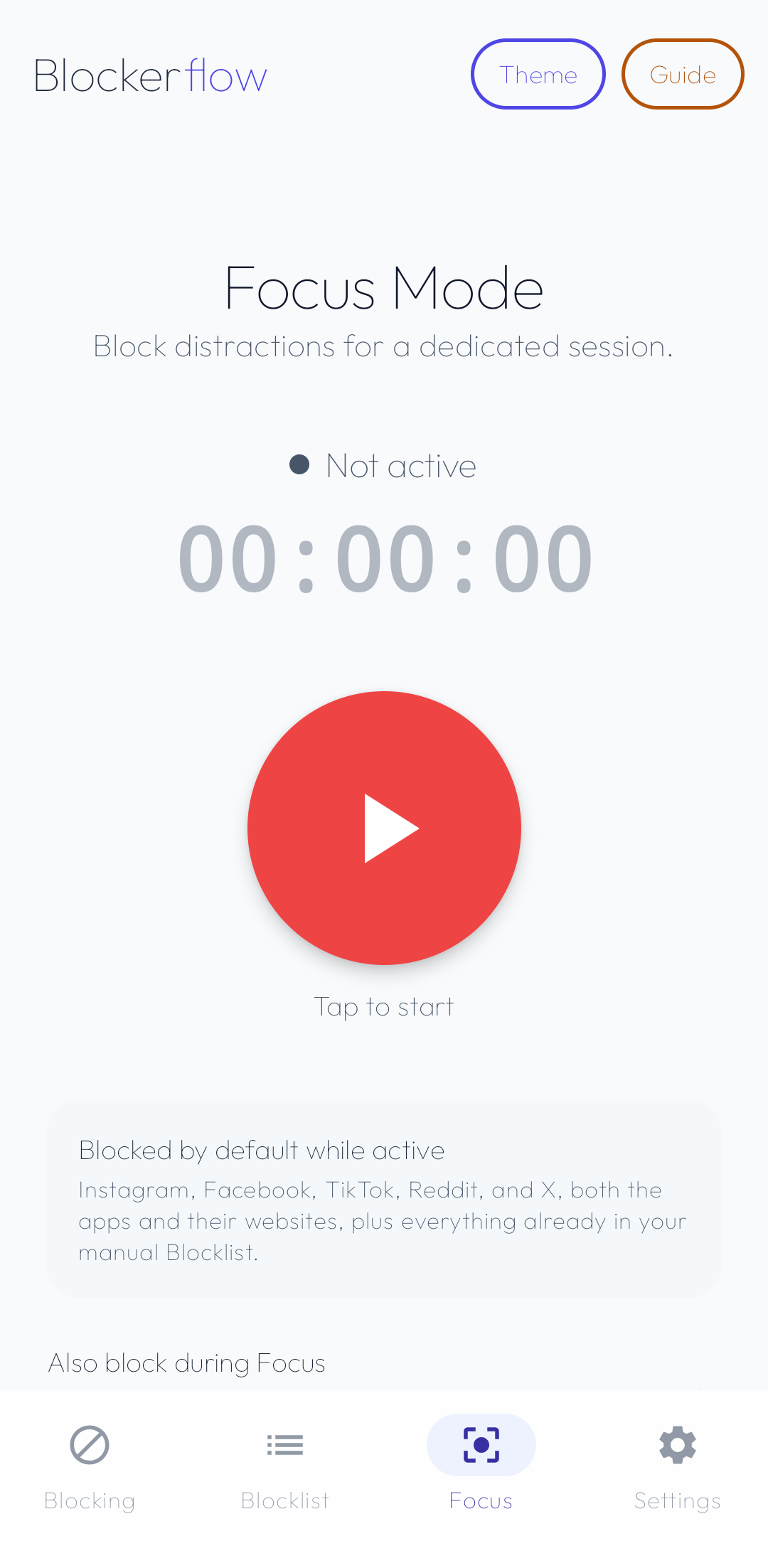
The Focus tab blocks the main social apps and sites for a set stretch of time. Name the session, pick a length, and press start.
- Instagram, Facebook, Snapchat, TikTok, X, Reddit, Threads, Pinterest and Tumblr are blocked by default, as apps and websites, Lite versions included.
- Add extra sites under Also block during Focus, or exempt one under Allow during Focus.
- Switch on Protect Focus Mode if you want stopping early to need your partner.
Still have questions?
Check what Blockerflow does and doesn't send off your device.
Read the full Privacy Policy →